THE SHORT ANSWER
Rokid Claude targets Rokid Glasses with the built-in display, running YodaOS-Sprite on an Android 12 base, paired with a Mac running Claude Code and the relay. This project does not currently support Rokid Max, Air, the display-free Style or other brands.
Which Rokid glasses are supported?
| Hardware | Status | What it means |
|---|---|---|
| Rokid Glasses with display | Target setup | The app is developed for this model with YodaOS-Sprite / Android 12 base. |
| Rokid Max | Not supported | Do not assume a different Rokid display product can run this glasses app. |
| Rokid Air | Not supported | This project does not provide a supported installation or connection route for Air. |
| Rokid Style without display | Not supported | The Rokid Claude workflow relies on its visual HUD and menu confirmations. |
| Other brands or models | Not established | No compatibility claim is made for this project. |
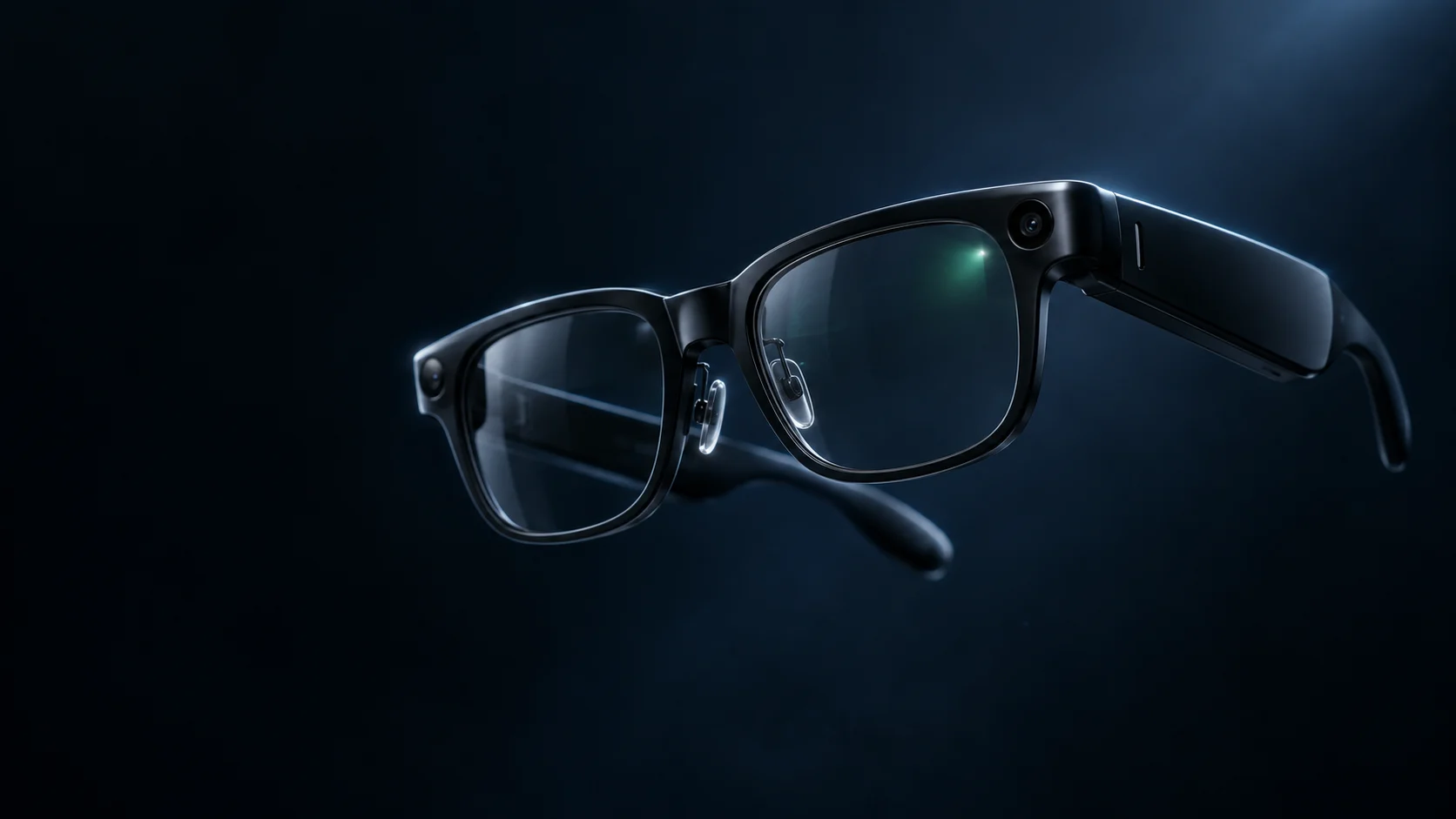
These are project-support boundaries, not a complete specification of each manufacturer’s range. Confirm the exact model with the seller and check Rokid’s product information before purchasing. Product artwork on this site is illustrative, not a model-identification guide.
What does the Mac need?
The supported host workflow uses macOS, Node.js 20 or later, authenticated Claude Code and the Rokid Claude relay. Voice input also requires Whisper and a local speech model. The packaged starter explains missing prerequisites and the initial model download.
Your repositories and Claude credentials stay on the Mac. The Mac must be powered on, awake and online while it executes tasks. Closing the relay’s Terminal window disconnects the relay; a cloud account does not turn it into a hosted execution service.
A repository must be available to the local Claude Code setup. Projects shown in the glasses are discovered from local session history, not from an automatic import of every repository in your online accounts.
This is not a claim of Windows or Linux support. Even where an individual component might run elsewhere, that is different from a tested, supported product setup.
Do you need an iPhone or Android app?
Hi Rokid is used for the glasses-app installation route. The Rokid Claude phone companion is separate: it runs in a browser, sends text or image context, and can be added to the home screen where the browser supports that.
It is not a native iPhone app, and it does not run Claude Code on your phone. Browser support for image decoding, clipboard access and home-screen installation can vary. Test the actions you need on your own phone before relying on them away from your desk.
A phone can also provide the glasses with internet access through its hotspot. That network role is independent of whether you use the companion for messages.
Must the devices share the same network?
No, not in the cloud-broker setup described in the installation guide. The relay opens an outbound connection to the broker, and the glasses or phone connect to the broker with their paired-device credentials.
Your Mac can stay at home while the glasses use another Wi-Fi network or a phone hotspot. Both ends still need internet access. Captive portals, unstable mobile coverage and restricted networks can interrupt the connection.
This workflow does not need you to expose the relay’s local port to the public internet. Do not disable firewall protections or publish a local relay endpoint to troubleshoot a pairing issue.
Are hardware, Claude access or multiple accounts included?
No hardware or Claude Code access is included by this website. Bring your own compatible glasses, Mac and authenticated Claude setup. Provider limits and charges still apply, and commercial Rokid Claude licence details will be specified before purchase.
The glasses app can keep named host profiles, pairing each relay address with its token. It connects to one host at a time. A work Mac and a personal Mac may have different Claude setups, but this is not a built-in Claude account switcher or a shared subscription pool.
For several coding tasks on the same host, see parallel sessions. That capability is separate from switching hosts.
A final checklist before buying or installing
- Confirm that the glasses are the supported display-equipped model, not just a product with a similar name.
- Confirm that you can install the Rokid Claude APK through the appropriate Hi Rokid workflow.
- Run Claude Code successfully on your own Mac before pairing the glasses.
- Make sure the Mac can stay awake and online, and that the glasses have usable Wi-Fi or hotspot coverage.
- Allow space for the local speech model if you want voice input.
- Understand the licence information and the fact that the service is in early access.
Rokid Claude is an independent service by Code Crush, not an official Rokid or Anthropic product. Compatibility is specific to this project’s current implementation and may evolve.
Based on the current Rokid Claude application and setup flow. Early-access behavior and compatibility may change.